Clusters and Clustering in OpenRefine
Clustering is another powerful way to identify errors in your data.
Clustering refers to the process of finding groups of values that could be alternative representations of the same thing; for example, “New York” and “new york”, or “Gödel” and “Godel.” In this way, clustering is a great way to identify and clean misspelled or mistyped entries in your data.
OpenRefine has a number of built-in clustering algorithms - feel free to play around with them and see what kinds of clusters come up.
You can access the clustering function by clicking the button Cluster in the top right hand corner of the facet box.
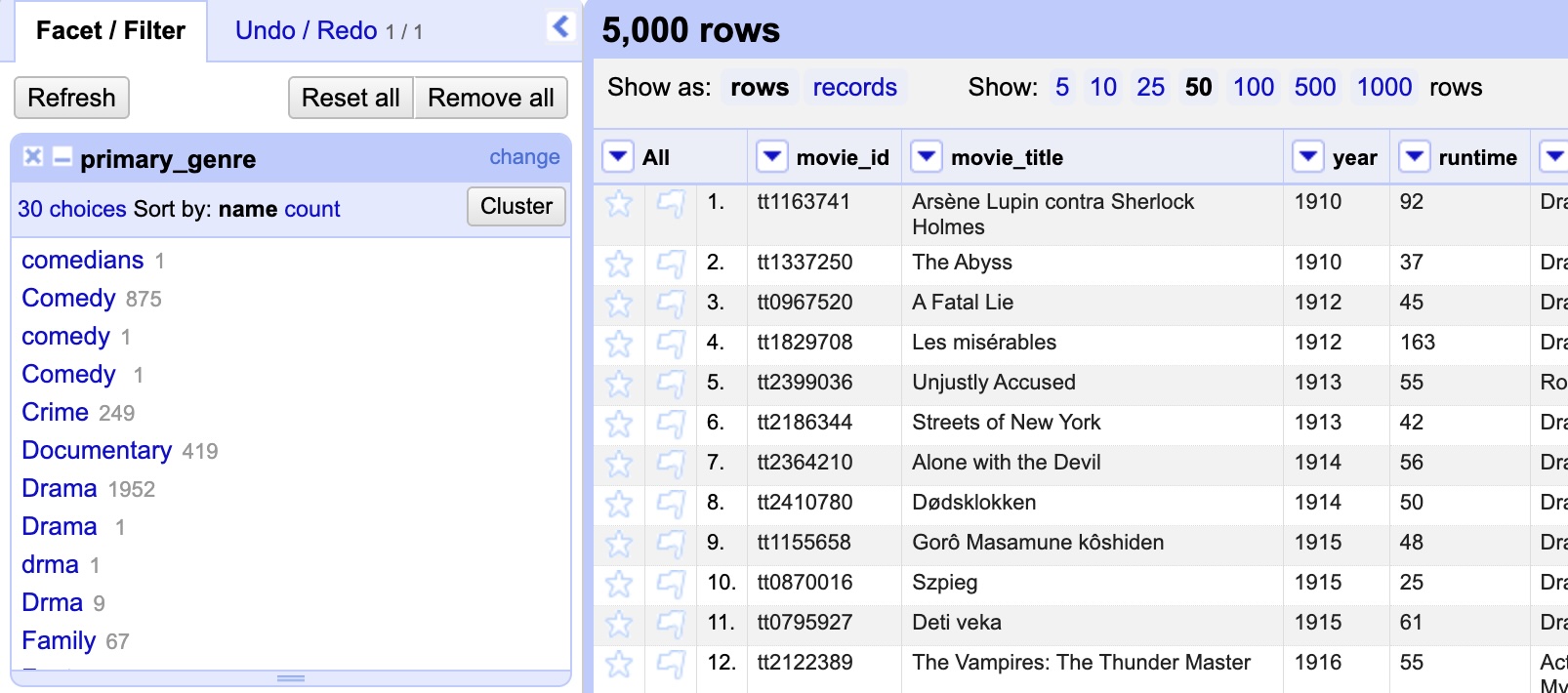
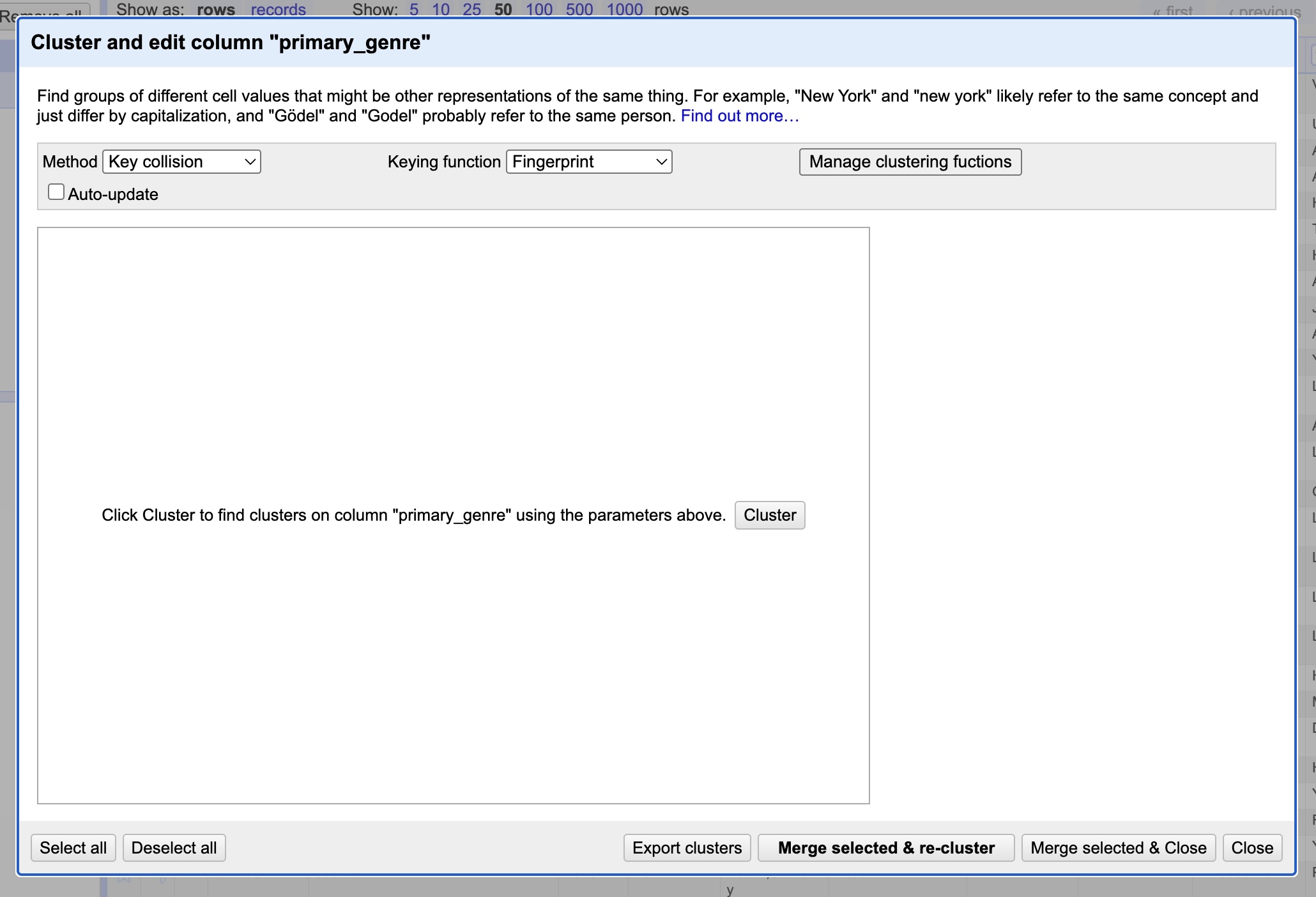
In the primary_genre text facet we created earlier, click the Cluster button. A pop-up window will appear. Towards the top of the window, you will find dropdown menus for the clustering method and keying function; for this exercise, we will start by using the default (Key collision and Fingerprint, respectively) but feel free to try different combinations and see if different clusters emerge later on.
Practice
Select the cluster button in the middle of the window. What clusters appear?
Solution
You should see four blocks of genre titles:
- Drma <-> drma
- Sci-Fi <-> sci-fi
- Comedy <-> comedy
Select the box to merge all, and then press Merge selected & re-cluster. It should not return anymore clusters.
Practice
Now, play around with the keying function and clustering method options. What other clusters appear, if any?
Solution
The combination of Key collision and Metaphone3 should return the following cluster:
- Drama <-> Drma
Practice
Now look through the text facet again - are there any errors that we not caught?
Solution
The various clustering functions will likely not have caught the following errors:
- comedians
- science fiction
These are two far away from the other genre titles, even though they refer to the same thing, and so won't be grouped in the clustering functions. These will have to be edited manually in the text facet box. Edit these entries as Comedy and Sci-Fi, respectively.